



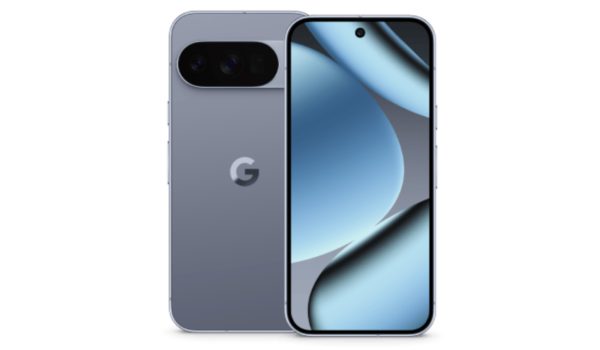
After teasing the call-recording feature for Pixel phones in September, Google is finally rolling it out. There is now a Call Recording section found under Call Assist in Settings. After enabling the feature, you will see a red button indicating that your call is being recorded. It also has a Stop button.

You can find the call recordings in the app’s Home tab under a microphone icon. There, you can replay your conversations with a built-in media player. You also get to choose how often your call recordings should automatically delete if you want to save space, or you can just delete them yourself. The time period could be seven, fourteen or thirty days. You can decide if the call recording should only work with calls from specific contacts or if it should include conversations with unknown numbers.
Privacy is assured with call recording
With these optional settings, the feature becomes more useful. Regarding your privacy, Google assures users that their call recordings remain saved on their devices and are not uploaded to the cloud.
As expected, not all devices will be eligible to receive this feature. The feature will be available for Pixel 6 devices and newer models running Android 14 or higher. The feature is connected to the Phone app update and the latest November Pixel Feature Drop.
What this means is that to use the feature, your Phone app and system must be updated. Some users only gained access after installing the latest system update, even though their Phone app was up to date.
Also, the feature won’t roll out to Pixel devices globally at the same time so it may not be available in some regions. As call-recording laws vary widely across regions, Google makes provision for this by building in protections like audible alerts or announcements when recording starts, helping users to comply with local consent requirements.
Call recording on Pixel devices isn’t a mind-blowing feature, but it’s a step further in making the Pixel experience even better. Users don’t have to rely on third-party applications anymore, like they used to, as their own devices now support the feature.