



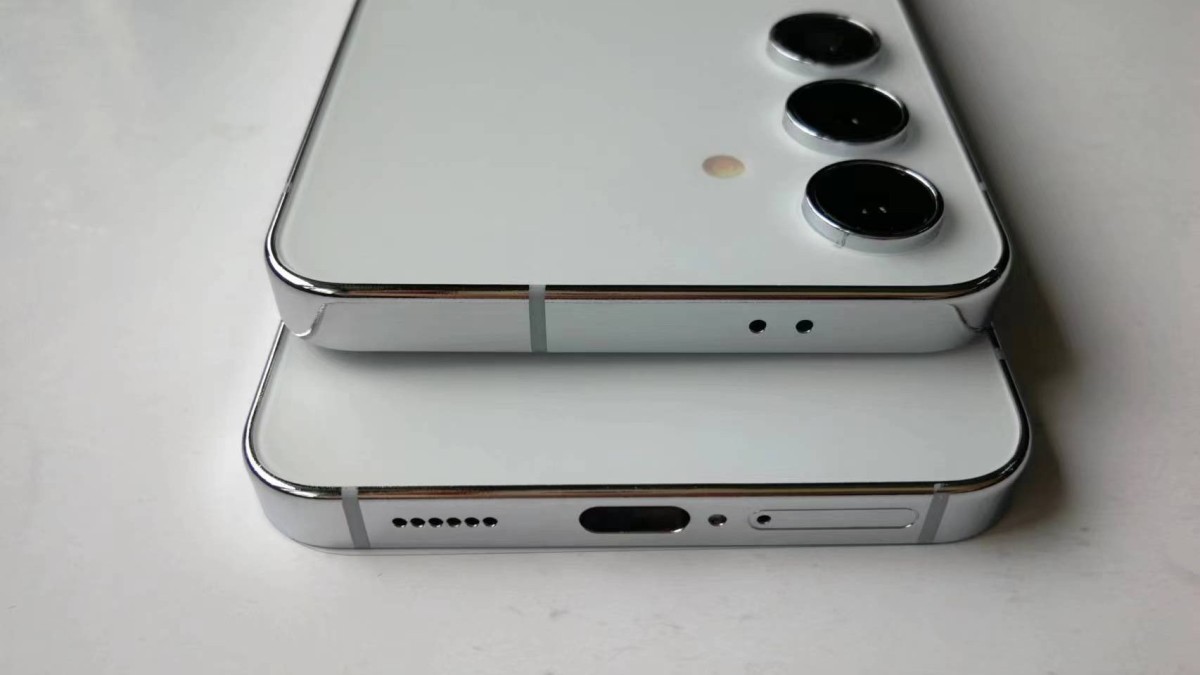
If you just got your hands on a Samsung Galaxy S24 and are wondering how to use NFC — or the Near Field Communication — get ready to unlock a world of convenience with just a tap. NFC is a short-range wireless technology that lets your phone communicate with other devices or chips over a distance of a few centimeters. It’s the silent hero of modern smartphones.
Whether you want to pay contactless at the checkout, share files with a friend’s phone, or pair new gadgets faster than you can say “Samsung,” NFC is your new best friend. You might be surprised by just how to use NFC effectively in your daily routine. Forget juggling cards or fiddling with Bluetooth pairing menus; NFC simplifies life into quick, secure taps.
The good news is that NFC is extremely straightforward to set up and use on your S24. Once activated in your settings, the device is ready to communicate instantly. This guide offers an easy, conversational look at the setup process and practical applications, so you can fully harness the magic of NFC. Let’s dive into how to use NFC features and make your life a whole lot easier, sprinkled with a bit of humor to keep tech fun.

Table of Contents
How to Use NFC and Why Should You Care?
Think of NFC as the friendly wave your phone gives another device when they want to exchange info — no need to shout or write notes. It’s a short-range wireless tech that lets your Galaxy S24 communicate with NFC-enabled devices and tags nearby, enabling fast payments, quick sharing, secure ticketing, and more.
Step 1: Turn on NFC on Your Galaxy S24
Before you go around tapping everything, you need to wake up the NFC magic:
- Swipe down from the top of your screen to open the Quick Settings.
- Look for the NFC icon — it looks like a sideways “N.”
- Tap the icon to turn NFC on. If you don’t see it, no worries: go to Settings > Connections > NFC and payment and toggle it on from there.
Once NFC is enabled, your phone is ready to chat with other devices!
Forget carrying a wallet! With Samsung Pay on your Galaxy S24, paying is as easy as tapping your phone:
- Open the Samsung Pay app (if not installed, download it from the Galaxy Store).
- Add your credit or debit card securely through the app’s instructions.
- When paying, just hold your phone near the contactless payment terminal, and voilà — you’re done. No fumbling with cash or cards. Bonus: your phone stays locked and super secure thanks to biometric checks.
Remember the days of sending files over blurry Bluetooth? NFC speeds that up:
- Enable NFC on both Galaxy devices.
- Open the file, photo, or contact you want to share.
- Put the phones back-to-back and follow the prompt to beam your stuff.
- Your content zips over rapidly without any fuss — no cables or eye rolls needed!
NFC tags are tiny smart stickers that can trigger phone actions, like enabling Wi-Fi, opening apps, or setting alarms. You can even program your own using apps like “NFC Tools”:
- Scan an NFC tag by simply tapping the back of your Galaxy S24 against it.
- The phone instantly executes the linked action or shows info — magic, right?
Fun Pro Tips for Your NFC Experience
- Keep your phone’s back clean: NFC works through close contact, so dirt or bulky cases can stop it doing the little dance.
- Switch off when not needed: Save battery by turning NFC off when you’re not using it (you can still pay with Samsung Pay since it uses a separate secure element).
- Stay secure: Only tap your phone to trusted devices and terminals to avoid NFC-related security risks.
Conclusion
Now that you know How to Use NFC on your Samsung Galaxy S24, you’re ready to leverage the full power of contactless connectivity. This includes breezing through mobile payments, sharing files faster than a snap, and automating daily tasks with NFC tags — all while impressing friends with your tech savvy.
Understanding How to Use NFC transforms your device from a simple smartphone into a seamless tool for daily transactions and smart interactions. Enjoy the convenience and speed that comes with mastering How to Use NFC on your device.