


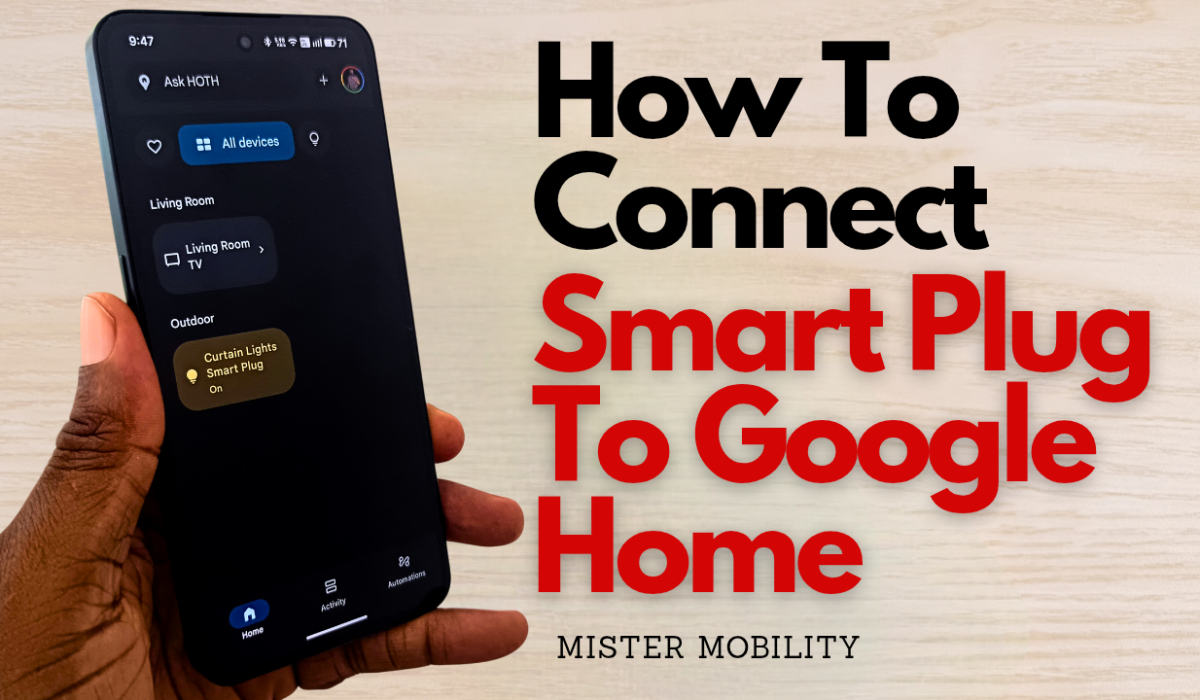

You can set up and add a smart plug to Google Home on your smartphone, so you can have unified access to all your smart devices and appliances from one place.
Some weeks ago, I set up a WiFi smart plug to automate some lights in our home, and after that, I set up and added the smart plug to Google Home. In this video, I demonstrate how I went about that.
Google Home offers you three distinct options to add a device – you can scan a QR code (perfect for Matter-enabled or Nest devices), search for the device (Nest, Chromecast, Google Assistant-enabled devices or partner devices), or link apps or services (perfect for any devices and services that were set up in a different app).
Because I had the smart plug set up on my phone with the Smart Life app, the 3rd option was good for this scenario. So, I went with that. The process is similar to linking any other service to your Google account and it took only a few moments to complete.
After the linking was done, the connected smart plug then showed up on the list of devices in the Google Home app. From there, I could manually turn it on and off as I wanted.
Remember that you can add as many smart plugs (or other devices) as you wish to the Google Home hub for easy access. Watch the short video below.