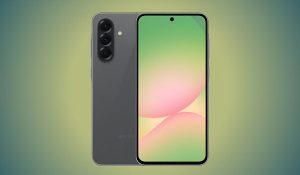



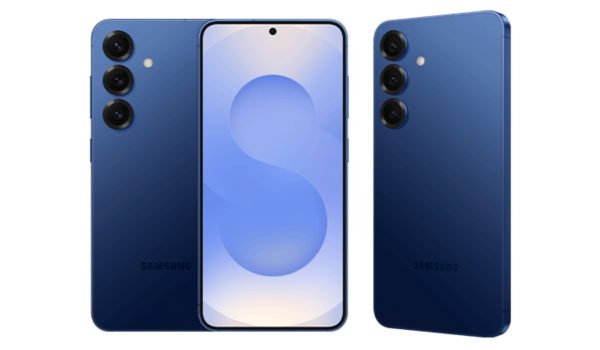
Phone brands are constantly adding features to upgrade their anti-theft capabilities. Samsung is not left out. It seems to be rolling out new features to Galaxy smartphones to improve theft protection with the One UI 8.5.

The upcoming software update is a major one, as it will pack many features, including a more comprehensive Identity Check feature. This requires you to prove your identity via biometrics to change key settings. While Identity Check is already available on Samsung phones, One UI 8.5 will expand its access to more settings, such as transferring a Samsung account, unlocking private photo albums, enabling unauthorised apps, unlocking the Secure folder, and changing USB connection settings.
Samsung will likely roll out this feature in the final release of One UI 8.5, as it appears in a leaked version of the software Android Authority got its hands on.
How to turn on Identity Check
When phones are stolen, the first thing thieves do is change the security settings to gain complete possession of the phone. These settings are already guarded by Identity Check. It asks for fingerprint or face verification to change the device pin and for other key security settings.

Although Identity Check is available on many Android phones, it has to be enabled first. To do this on your Galaxy phone, head over to Settings. Tap Security and privacy > Lost device protection > Theft protection > Identity check. There is also the option to add safe places, like your home, where the extra authentication isn’t needed.
As with many Android features that Google rolls out, Samsung doesn’t just roll them out exactly as they come. It makes a few adjustments and sends out software updates with its add-ons. There isn’t specific news on when to expect the One UI 8.5, but a beta program could be released in the coming weeks.