



What is cellular data on iPhone? How does cellular data work? Cellular data is the Internet service provided by your wireless carrier (also called mobile operator). The key advantage is that you are able to use the Internet regardless of where you are so long as your carrier or mobile network operator has coverage.
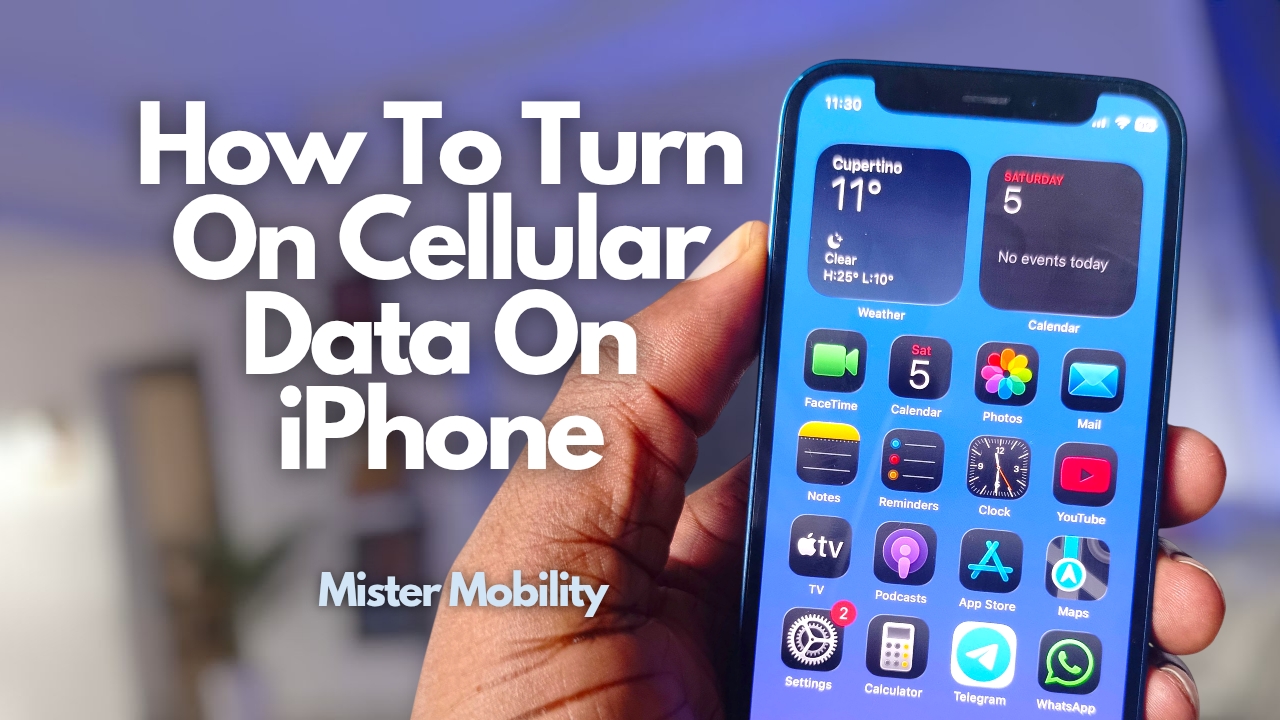
If your cellular data is not working on your iPhone, one of the reasons could be that it is turned off and you need to turn it on. In this video, I show you the cellular data settings and how to turn on cellular data on iPhone.
I also share how cellular data works and the reasons why your cellular data is not working, so you can fix the problem.
Why is your cellular data not working?
The first possible reason is that you have not purchased a data bundle, or your data bundle has been exhausted or is expired.
The second possible reason is that you have not turned cellular data on, or you (or someone else) mistakenly turned it off.
Thirdly, your cellular data may not be working because of a network problem, which is something only your carrier or mobile operator can fix. In which case, you have to reach out to them.
Lastly, it is possible that you have an iPhone that is incompatible with your carrier’s network e.g. 4G/5G incompatibility. To avoid this, buy your devices only from official channels.