



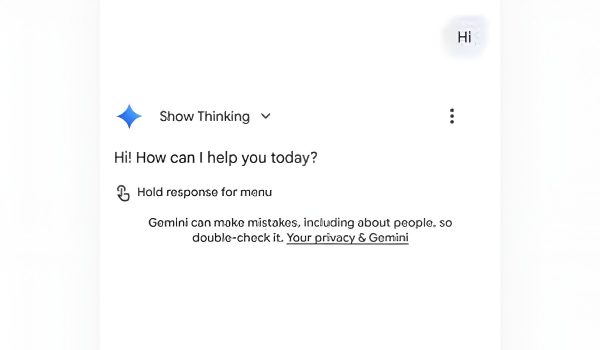
Google is working on giving Gemini Deep Research the ability to choose and control sources. The company is also bringing some improvements to Gemini, including expand and collapse buttons, a new processing animation, and preparation to completely take over Google Assistant.

Image credit: YouTube
The Google app v16.44.59 brings a new Gemini animation. This new processing animation is seen when Google is working on your queries. Gemini will soon have expand and collapse buttons for long queries. When you ask Gemini a long question, the entire text occupies a large portion of the chat conversation UI. Instead of covering the whole display with a question you already know, Google is adding buttons to expand and collapse the long prompt. This is just like the button that exists in the web version.

Image credit: YouTube
The new UI will feature a Gemini “Jump to bottom” button. Google is working to make getting to the end of a conversation easier. The Jump to bottom button will do just that — helping you reach the bottom of a long chat quicker.
Say goodbye to Google Assistant
The current setting in Gemini allows you to switch between Google Assistant and Gemini AI. It is public information that Google Assistant is going away and will soon reach its end. Very soon, you won’t be able to choose Assistant over Gemini. Google is working on removing the choice screen from Gemini and Google Assistant settings. This way you will just have to get used to Gemini.
The “Digital assistants from Google” settings section will be no more very soon. While it hasn’t happened, it is only a matter of time before Google effects the changes. To adjust to the change then, it’s better to get used to Gemini now.