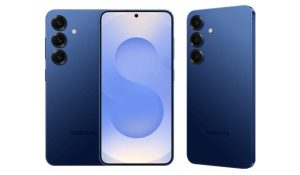



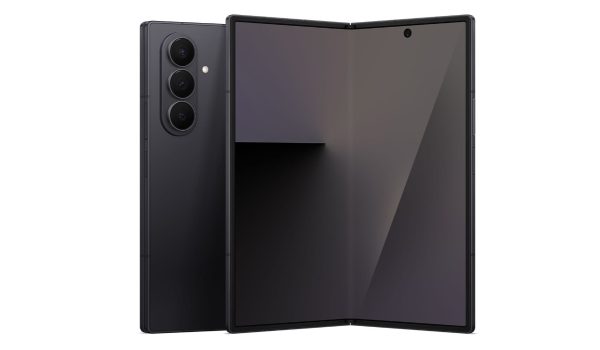
If your Samsung device has suddenly decided to act like a mini alarm system, you’re not alone. That mysterious sound can make you wonder if it’s trying to send you a coded message. When you notice your phone is beeping continuously, it can feel frustrating, confusing, and honestly a little dramatic — but don’t worry, the cause is usually something simple.
Let me walk you through the most common reasons your phone started beeping continuously and what you can do to silence it for good. From runaway notifications to battery or system alerts, there’s always a fix. So let’s dive in to figure out why this is happening and get the annoying repeated sound off.
Table of Contents

Common Causes of Continuous Beeping on Samsung Phones
1. Water, Dust, or Oxidation Blockage
Samsung speakers can be sensitive little creatures. If water sneaks in, dust settles, or oxidation forms due to prolonged humidity, your phone might start producing unexpected beeps like a smoke detector on high alert. A dirty or wet speaker distorts sounds and triggers beeping noises.
2. Software Conflicts and Glitches
Sometimes, the culprit isn’t hardware but software. Conflicting apps, recent installations, or buggy updates can confuse your phone’s audio system, causing repetitive beeps for no apparent reason.
3. Notification or Sound Setting Issues
A misbehaving notification setting is like that one friend who never stops talking. Incorrect sound modes, alarm settings, or notification permissions can cause nonstop beeping.
4. NFC Being Enabled
Near Field Communication (NFC) tries to scan nearby devices like credit cards constantly. If it’s enabled and other devices are close by, your phone might beep repeatedly.
5. Hardware Problems
In rare cases, faulty speakers or stuck buttons might be behind the beep-beep-beep soundtrack of your day.
How to Stop the Continuous Beeping Sound
- Clean Your Speaker: Use a soft brush or microfiber cloth to remove dust. For wet speakers, gently dry the area with a cool-setting hairdryer.
- Check and Adjust Sound Settings: Head to Settings > Sounds and Vibration and review notification tones and sound profiles, disabling any unusual notifications or alarms.
- Review Apps: Think about when the beeping started. Did you download a new app? Uninstall suspicious apps and monitor if the beeping stops.
- Disable NFC: Navigate to Settings > Connections > NFC and switch it off if you don’t need it.
- Restart Your Phone: Simple restarts flush out temporary glitches that can cause beeping.
- Update Software: Ensure your phone’s software is up to date to avoid bugs.
- Seek Hardware Help: If all else fails, consider professional service for potential hardware issues.
Conclusion
When your Samsung phone is beeping continuously, it can feel like your patience is under attack — now you know there’s an easy fix. Once you understand why your device is beeping continuously, you can take a few quick steps to get things back to normal. With the right tweaks, you’ll stop your phone from beeping continuously and enjoy some much-needed peace and quiet again.